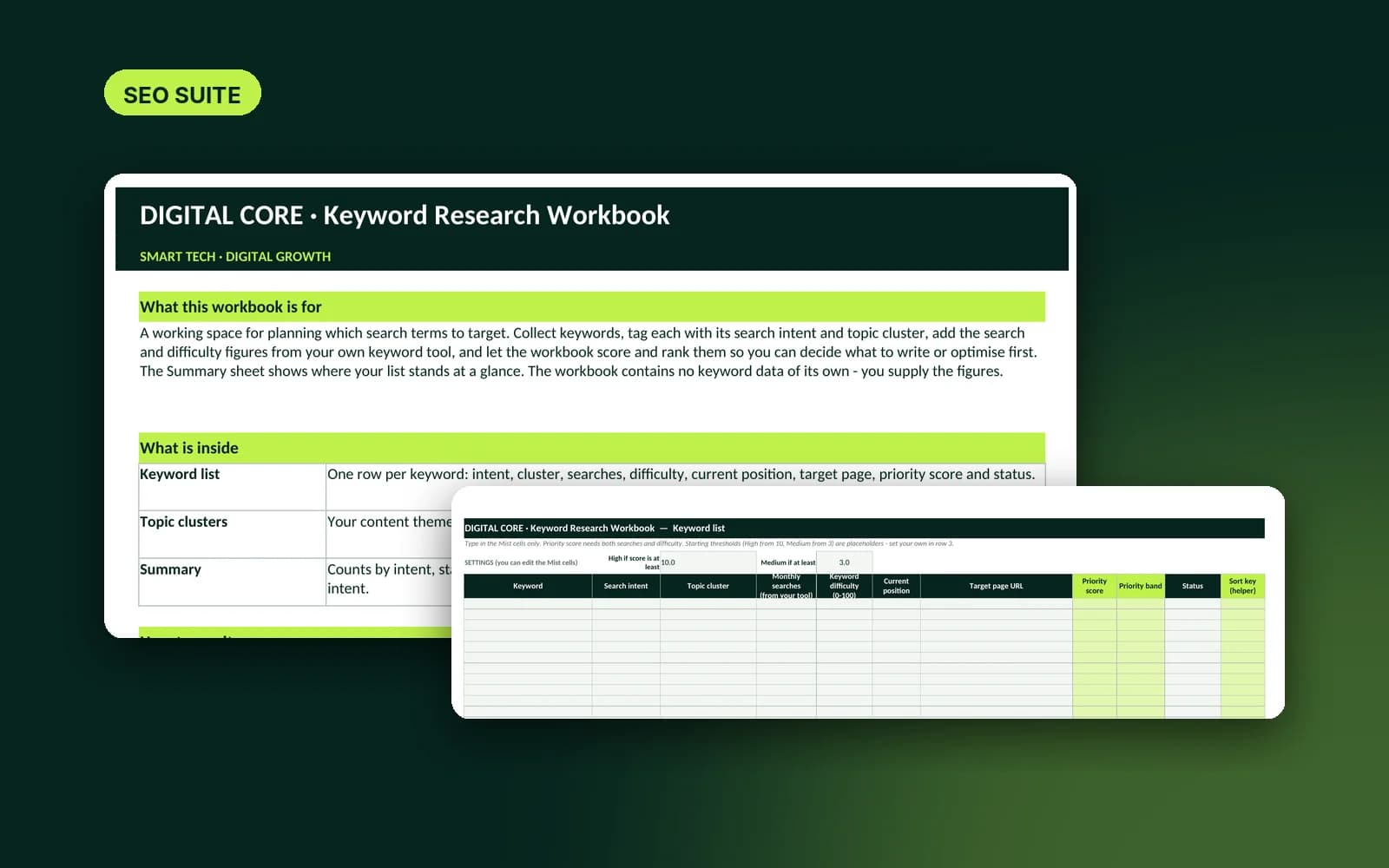
Keyword Research Workbook
An Excel and Google Sheets workbook to organise keywords by intent, topic and priority.


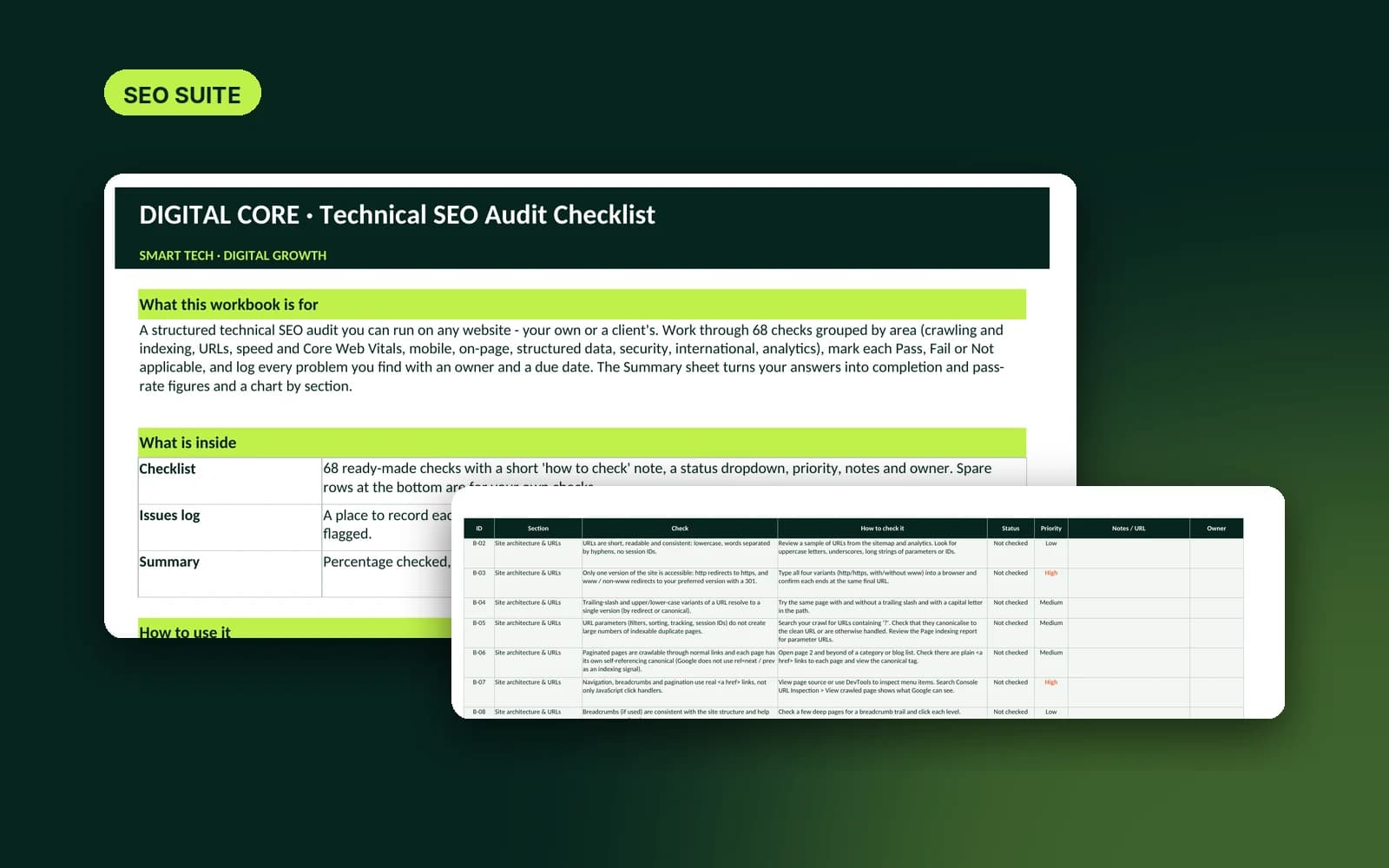
A 68-point technical SEO checklist with an issues log and automatic pass-rate summary.
A step-by-step checklist for auditing a website's technical health. Each check explains how to test it using free tools such as Google Search Console, PageSpeed Insights and Chrome DevTools. Mark each item as pass, fail or not applicable, log the problems you find, and the summary sheet shows your pass rate by section.
It guides an audit; it does not crawl a site for you. You carry out the checks and record the results.
Auditing your own website, running repeatable audits for clients, or handing a clear list of fixes to a developer.
Microsoft Excel 2016 or later, Google Sheets, or LibreOffice Calc. No installation, add-ins or macros. Search volumes and difficulty scores are not included; you add them from your own tools.
Digital download. After your payment is verified, the file becomes available under Account → Downloads. Downloads are limited per purchase.
Instant digital download. Once payment is confirmed, the file appears under Downloads in your Digital Core account (up to 5 downloads per purchase). A receipt is also emailed to you.
Nothing is delivered until your payment has been verified with our payment provider.
Licensed to the purchaser for use on their own business and their clients' projects. You may not resell, share or redistribute the file itself. Provided as-is; no outcome is guaranteed.
Digital files can't be returned once downloaded. If the file is faulty or won't open, contact support within 14 days and we will fix it or refund you. See the Refund & Cancellation Policy.
Read the full Refund & cancellation policy.
An Excel and Google Sheets workbook to organise keywords by intent, topic and priority.
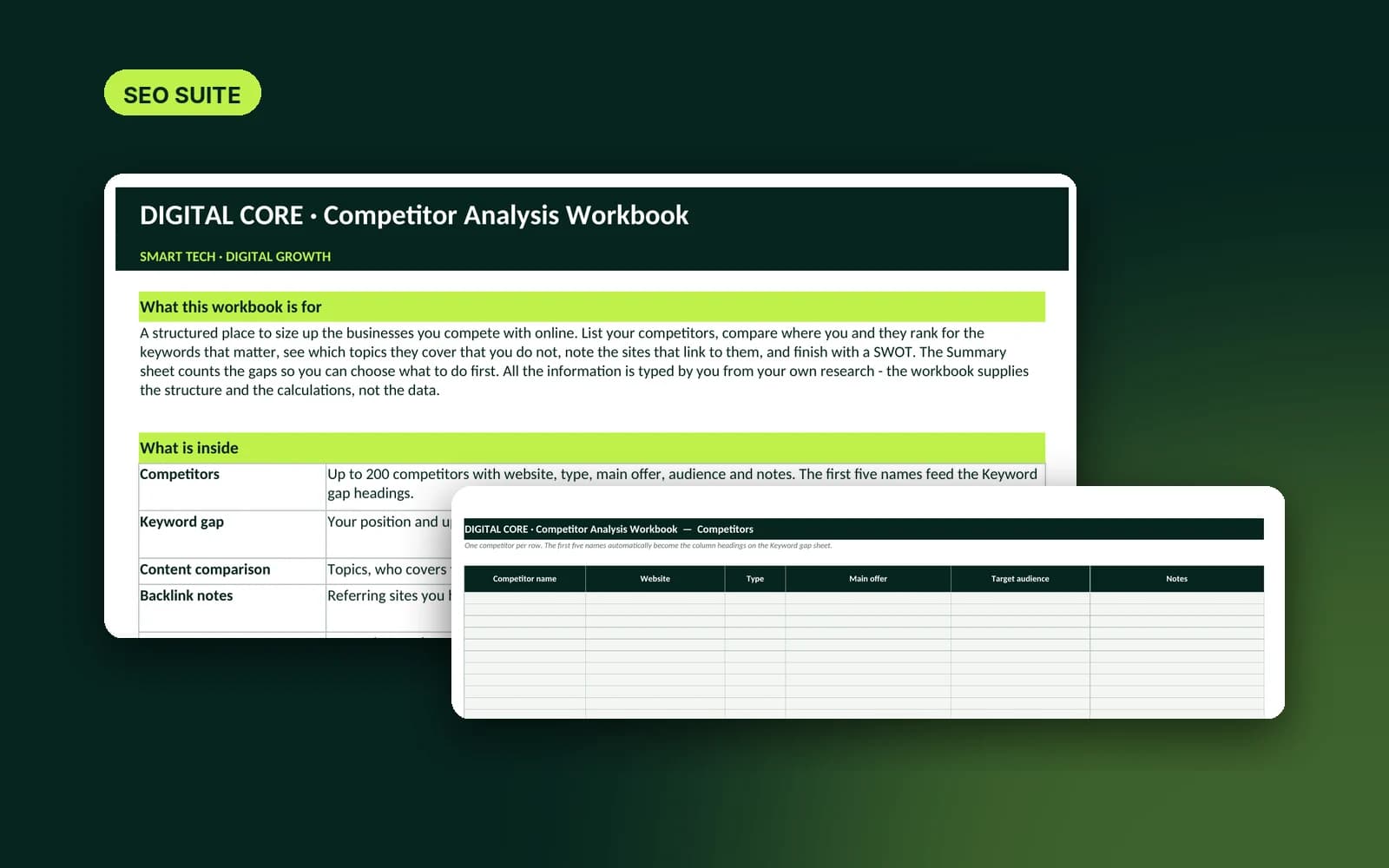
Compare competitors' keywords, content and links, and spot the gaps you can fill.
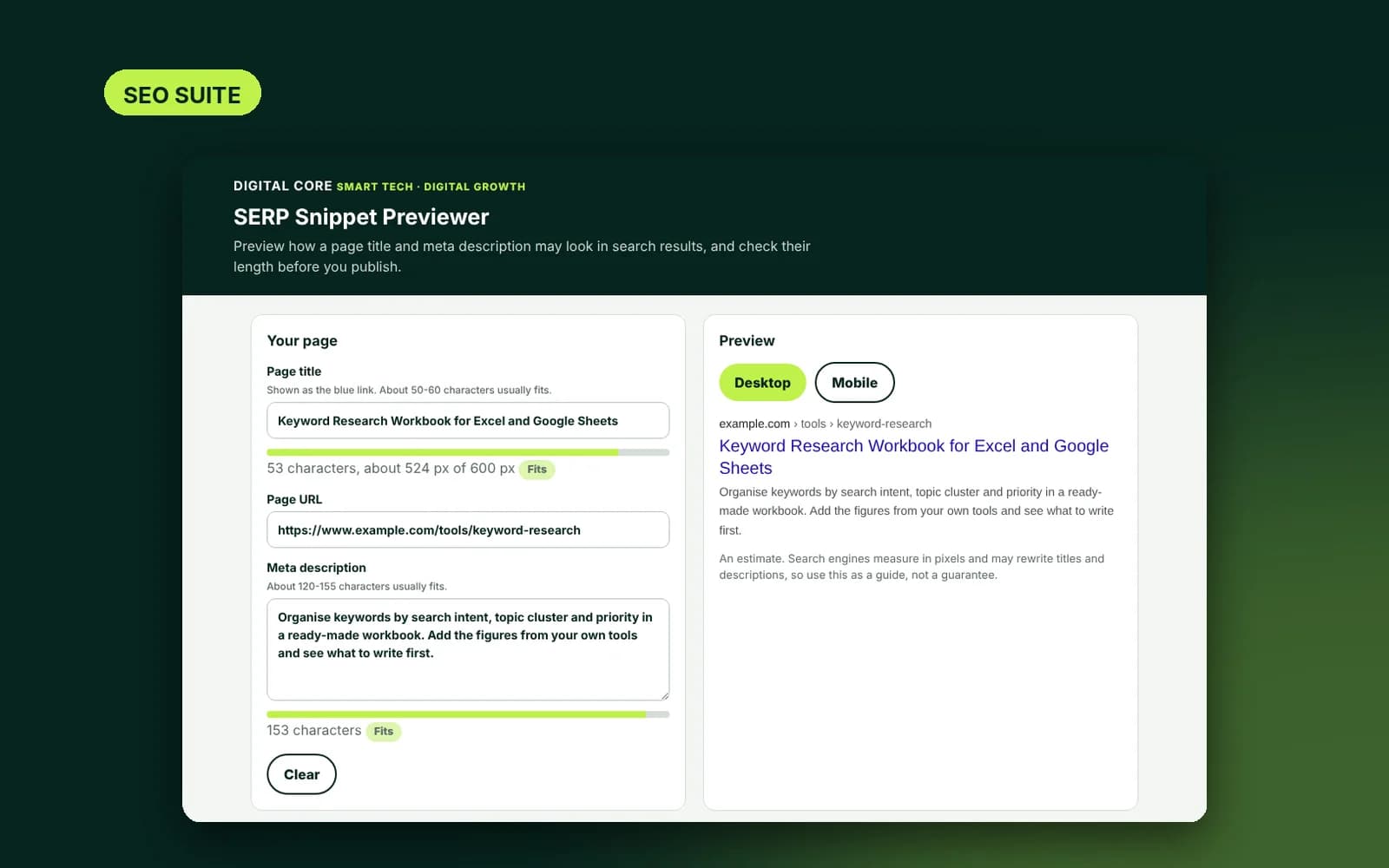
An offline tool to preview and measure page titles and meta descriptions before you publish.